Add New Song to ProPresenter
Overview
Create a new song/presentation item in ProPresenter and insert it into the active playlist so it’s ready for service.
Prerequisites
- ProPresenter installed and open
Steps
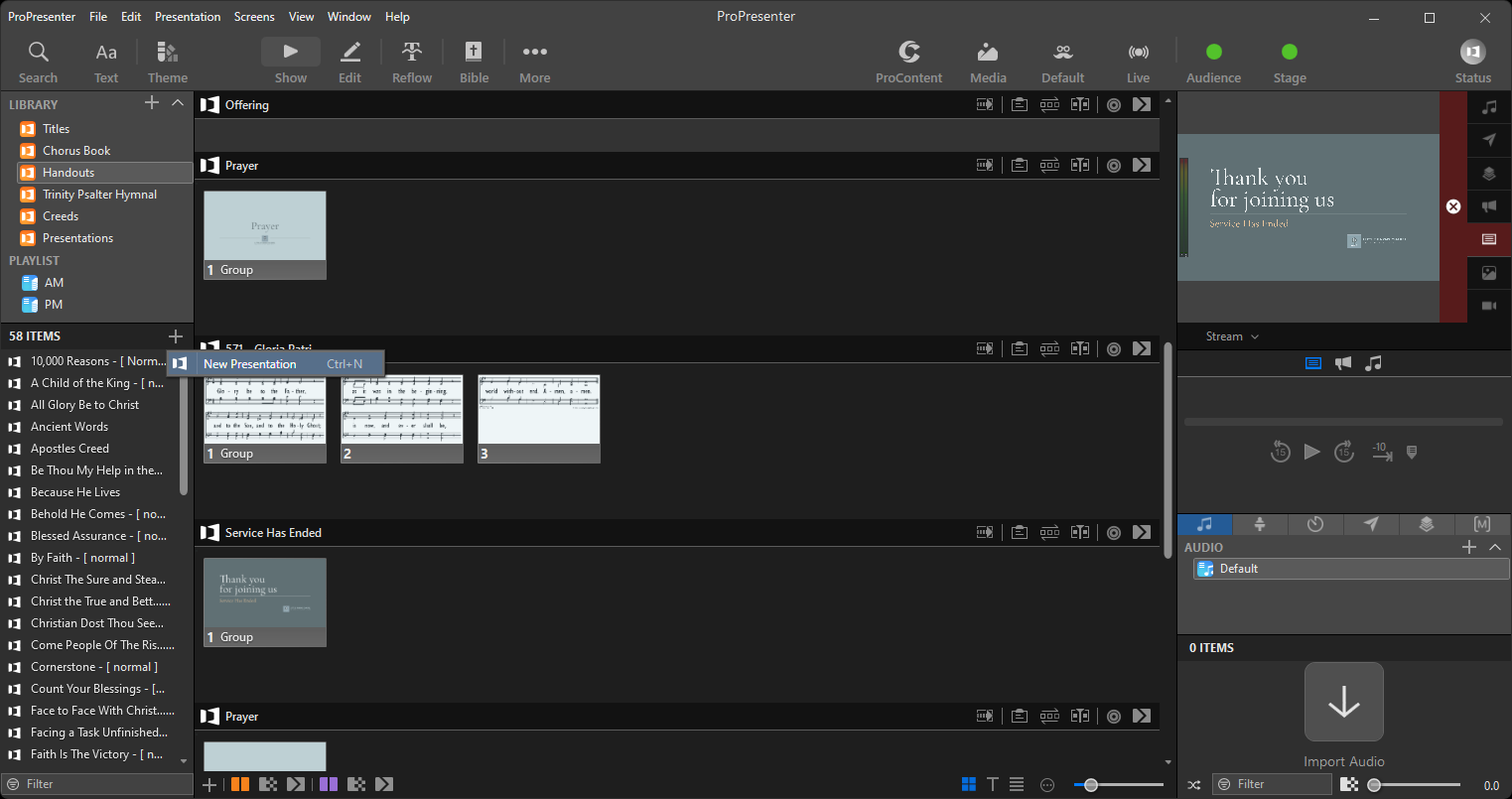
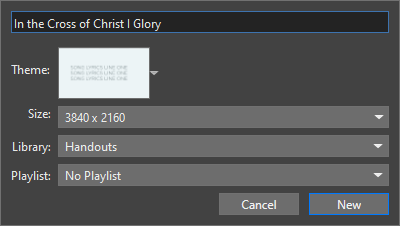
1) Create a new song/presentation
- Use the New > Presentation (or Song) action; name it consistently.
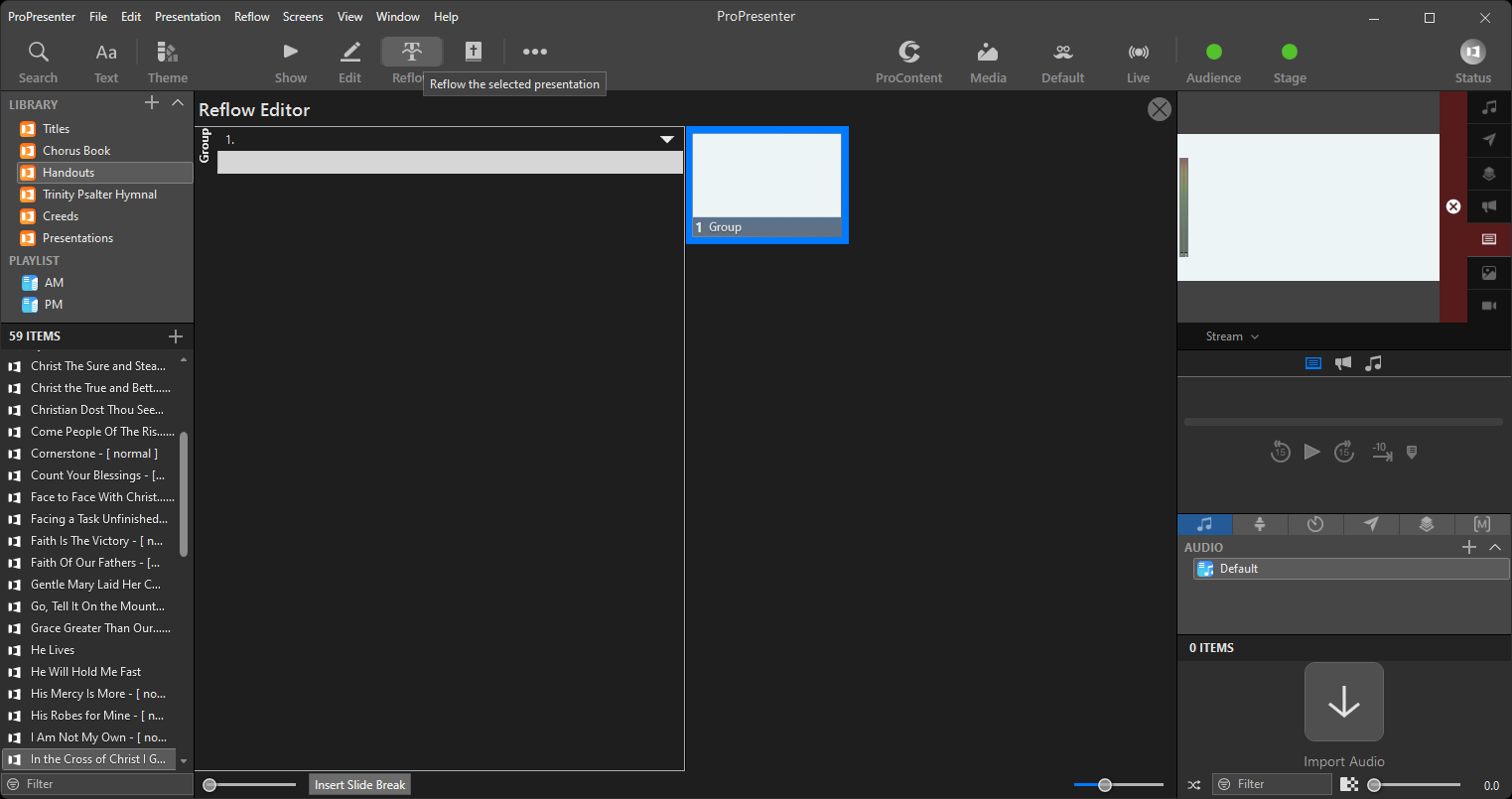
2) Add lyrics/slides and formatting
- Create slides for verse/chorus/bridge; apply your standard theme/template.
3) Add the item to the desired playlist
- Drag the new item into the service playlist in the correct order.
Troubleshooting / Tips
- Use consistent naming and verse/chorus labeling for quick reuse
- Check formatting on the live output preview
Developer docs (verify specifics)
- ProPresenter documentation – creating presentations and playlist management
Next Steps
Return to the index or continue adjusting the service order as needed.
Previous: Embed Sermon on lfcopc.org · Next: Live Stream Workflow – Task Guides